
 Original
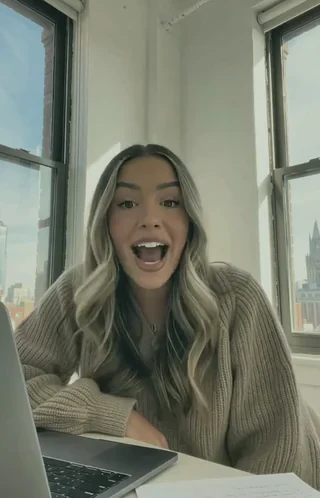 Glow
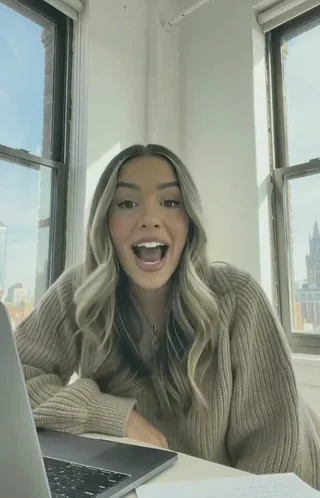 Photo
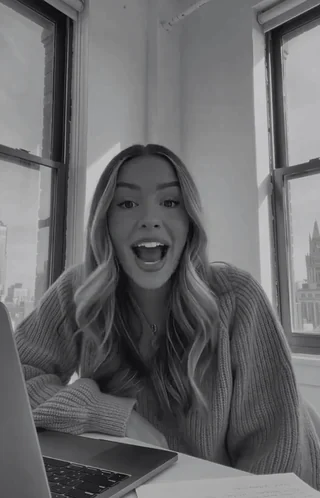 Mono
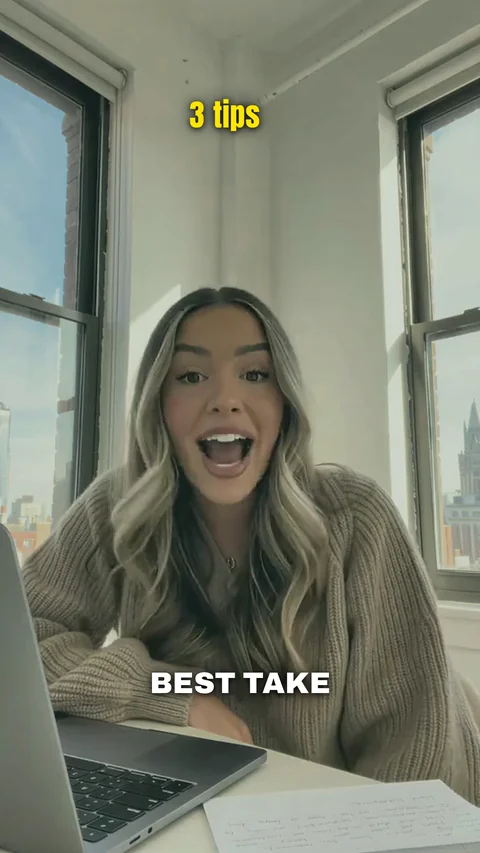
Free
$0No card needed- 5 videos each month
- 2 edits per video
- No credit card
For creators who talk to the camera.
Try free5 free videos a month · no card needed
Swipe to see all six
Said it three times? We keep the strongest one. Or pick your favorites yourself. How to turn multiple takes into one video.
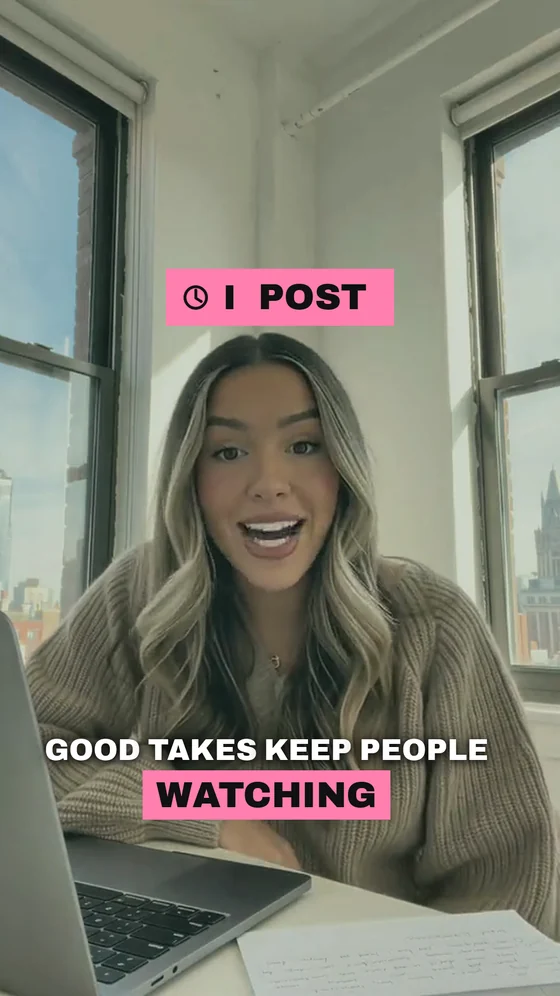
Dead air, false starts, “let me try that again” — gone. Remove filler words and pauses.
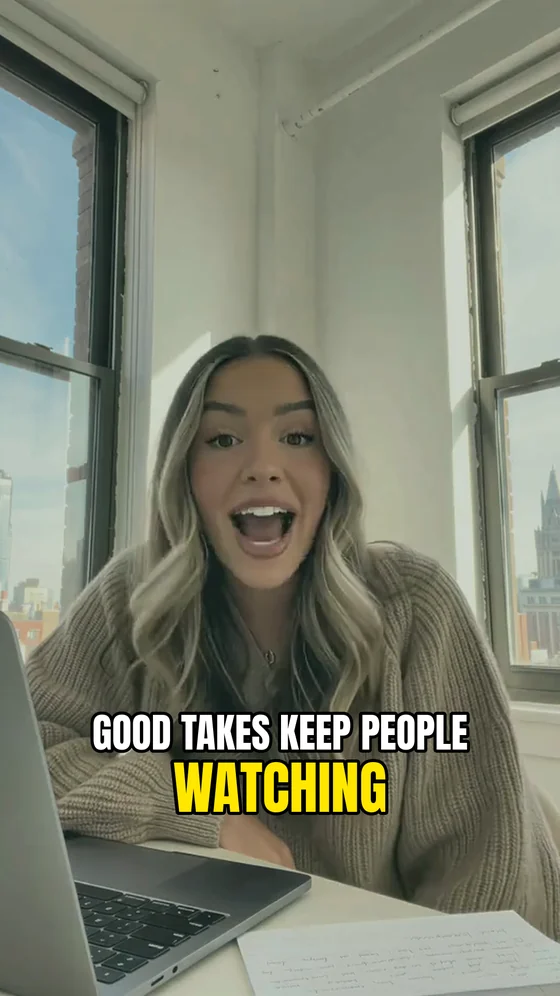
25 styles, 23 fonts, 26 colors, emoji if you want.
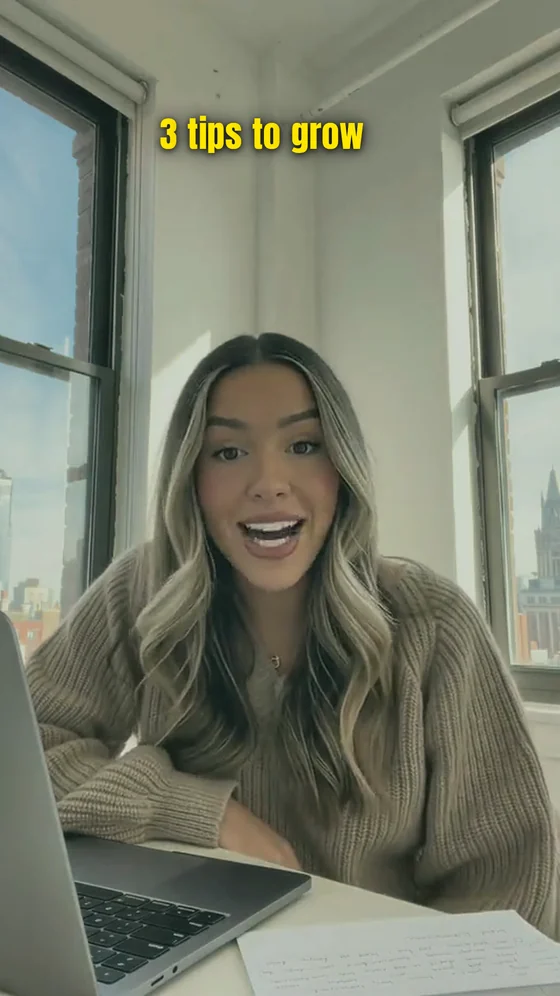
Grabs attention before viewers scroll past.
Your voice, louder and clearer. Original to studio clean.
10 color looks — warm, cinematic, B&W. Or keep your colors.
One take or ten. Vertical, you talking to the camera.
Retakes, pauses, captions, title, sound — in one pass. Watch the full video.
“Bring back the last sentence.” Just say it — we re-cut it.
No timeline to learn: drop the video, pick a style, download.
Creators tell us an edit that used to take an hour, or half a day, now takes minutes.
It looks like an editor made it, and creators who couldn’t edit on their own are finally running a blog.
I hate editing reels. It takes a lot of time, it drives me mad, and because of that I don’t film them at all. Here I just talked through my thoughts, uploaded them, and that’s it.
Very convenient: what takes me at least half an hour in CapCut was edited in 5 minutes.
I couldn’t have done this myself. It cut everything it needed to and kept everything it needed to. The point comes through, the video doesn’t drag, nothing is missing.
Reviews from creators who use our Russian-language version, translated.
5 free videos a month, no card needed. Watch the full edit before you pay.
Annual plans are billed upfront. Your video allowance resets each month; unused videos do not roll over.
Yes. Free gives you 5 videos each month at 1080p and 2 edits per video. Paid plans raise the edit limit.
No. The free plan needs only your email; the card is for paid plans.
The full video is free to watch. You pay only when you want the clean file.
Vertical video of you talking to the camera. One take or several; retakes, stumbles and long pauses are exactly what the edit is built for. MP4 or MOV.
Horizontal footage, screen recordings and videos with no speech. We don't have a path for those and won't pretend otherwise.
Speech in 90+ languages.
Yes. Tell us what to change in plain English: 2 edits per video on Free and up to 10 edits per video on paid plans.
No. Upload, watch the full video, download.
Yes, anytime from your billing page.
A closer look at the edit